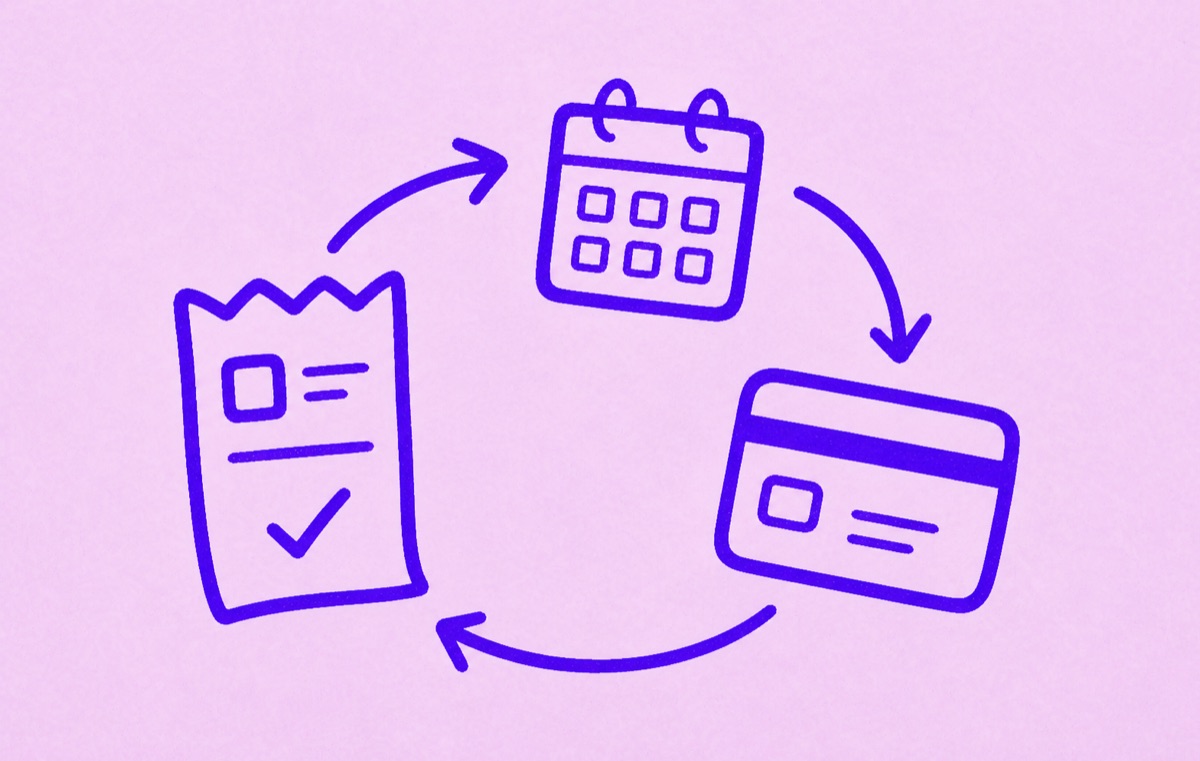
Recurring billing means the charge repeats
Recurring billing is an arrangement that lets a business charge an agreed payment method again on a schedule. The schedule may be weekly, monthly, yearly, or usage-based. It is common for subscriptions, memberships, software, storage, streaming, delivery passes, and business services. A failed payment does not necessarily end the agreement; the provider may retry it.
You do not have to check out each time, but you do need to know when the next charge is due.
Recurring billing is not automatically a mistake or an unwanted charge. It becomes a problem when the amount, schedule, billing source, or cancellation path is unclear.
Recurring billing and subscriptions overlap
Most subscriptions use recurring billing, but not every recurring charge feels like a subscription. Some people think of gym memberships, software tools, cloud storage, or app plans as separate categories. Financially, they behave the same way: they renew until something changes.
That is why tracking the renewal date matters more than the label.
Recurring billing is not the same as a card being stored
A stored card can make a future checkout quicker, but it does not by itself mean the business may charge you repeatedly. Recurring billing includes an agreement about future payments: what is being provided, how often billing happens, and how the arrangement can end.
Some recurring charges stay the same. Others change with usage, tax, a promotional period ending, or a plan change. Keep the latest receipt or renewal notice so your tracker reflects the amount that will actually be charged.
Canceling the service and disputing a card charge are different actions. Cancellation changes the agreement for future payments. A dispute asks the payment provider to review a charge that has already happened.
Common recurring billing examples
Recurring billing often shows up as:
- monthly streaming plans
- annual software subscriptions
- app subscriptions through Apple or Google
- gym or fitness memberships
- cloud storage plans
- delivery memberships
- business tools and SaaS plans
- trials that convert to paid plans
The charge may come from the service itself, an app store, PayPal, Amazon, a carrier, or another billing partner. If you need to cancel it, the billing source matters.
A monthly charge can belong to an annual plan
The billing cycle tells you how often you pay. The commitment tells you how long you agreed to keep paying. They can differ.
For example, an annual software plan paid monthly sends a charge each month, but ending it early can have different terms from a month-to-month plan. Record the next payment date and the commitment end date separately. Read any fee shown before confirming cancellation.
Adobe cancellation is one example where checking the plan type matters. Do not assume another provider uses the same terms.
How a free trial becomes recurring billing
A free or discounted trial can become recurring billing when the trial period ends. The first paid charge may be monthly or annual, depending on the offer you accepted. Record the conversion date and the price before the trial ends; do not treat the day after a charge as the reminder date.
If Apple handles the trial, Apple says to cancel at least 24 hours before it ends when you do not want it to renew. Other providers can use different cutoffs, so check the trial terms and receipt.
What to record for each recurring bill
For each recurring bill, record:
- service name
- price
- billing cycle
- next renewal date
- payment source
- whether it is personal, household, or work-related
If a detail is missing, check the latest receipt or billing account before relying on a reminder.
Also note whether the amount is fixed or variable, and where cancellation is controlled. The service name on your phone may not match the company shown on the bank statement.
For a variable bill, record the expected range and a review date instead of treating the last amount as guaranteed.
Why annual billing is easy to miss
Monthly billing repeats often, so people notice it sooner. Annual billing is different. A yearly charge can feel invisible for eleven months, then arrive as a surprise.
That is why recurring billing works best with reminders and review dates.
How to stay ahead of recurring billing
Use a simple review habit:
- Record the service name and the account email.
- Add the price and billing cycle.
- Add the next renewal or trial-conversion date.
- Note where it is billed: Apple, Google, web, PayPal, Amazon, carrier, or another account.
- Set a reminder before renewal, not on the renewal day.
- Review the list when a new receipt or trial email arrives.
This is lighter than full budgeting, but it gives you enough structure to avoid surprise renewals.
How Orbit helps
Orbit is a focused subscription tracker for iPhone. It helps you keep recurring subscriptions, trials, bills, and renewals visible in one place. It is not a full accounting or budgeting system. That focus is useful if your main problem is knowing what renews next.
For a related definition, read What are recurring charges?. For a practical routine, read How to budget for recurring expenses. If trials are your main worry, read Best app for free trial reminders.