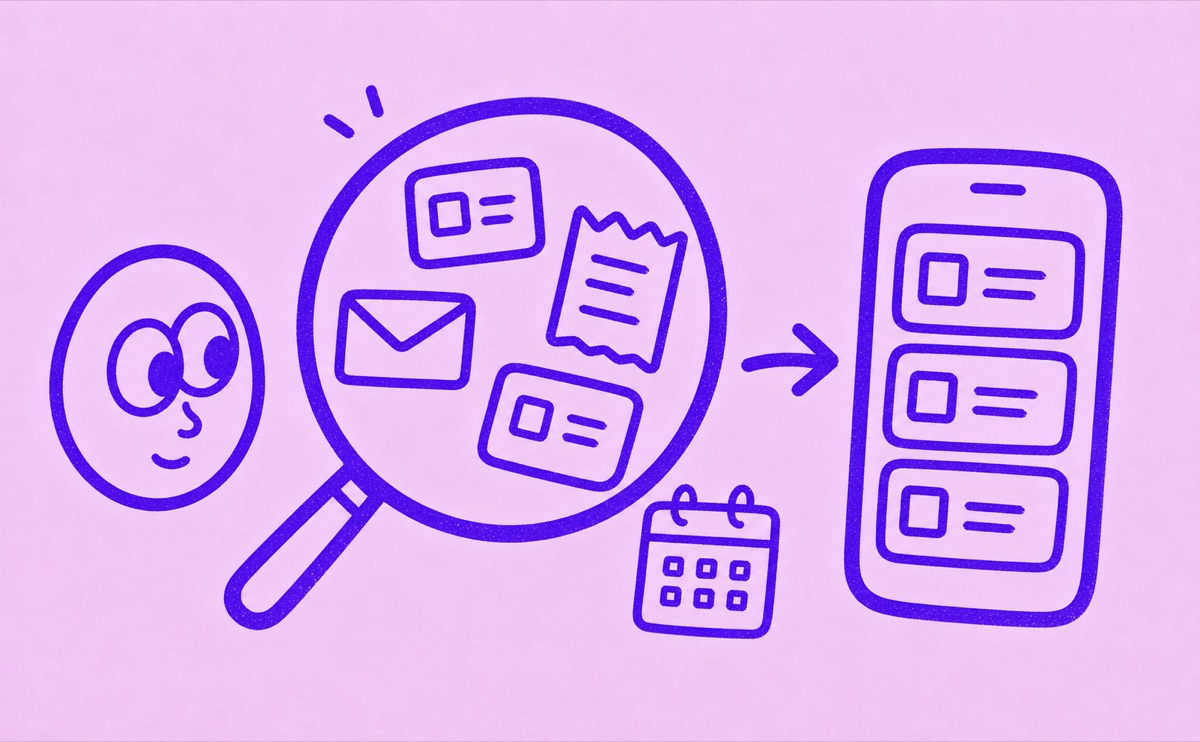
Start where subscriptions leave traces
The fastest way to find forgotten subscriptions is to check every place a renewal leaves evidence: your iPhone's App Store subscriptions, email receipts, bank or card statements, PayPal, and the apps you use often. Then put the active subscriptions into one tracker so renewal dates are visible before the next charge.
Forgotten subscriptions usually happen because the evidence is scattered. One plan renews through Apple. Another bills through a website. A third shows up as a payment processor on your card. A fourth started as a trial and became a paid plan months ago.
Check the obvious places first
Start with the sources most likely to show active subscriptions:
- App Store subscriptions on your iPhone.
- Email receipts from Apple, Google, Stripe, Paddle, PayPal, and individual services.
- Bank and credit card statements for repeating charges.
- PayPal automatic payments.
- Work tools, AI tools, cloud storage, fitness apps, streaming services, and productivity apps.
Do not worry about getting the list perfect on the first pass. Your first goal is to collect candidates.
Look for renewal patterns
Monthly subscriptions are easier to spot because they repeat. Annual subscriptions are easier to miss because they only appear once a year. Free trials are risky because the first paid renewal can arrive after you have forgotten why you signed up.
When you find a likely subscription, write down:
- Name.
- Price.
- Billing cycle.
- Renewal date.
- Payment method.
- Cancellation link or account email, if you can find it.
If a merchant name is unclear, search your email for the amount or the merchant text before deciding what it is.
Check a full year for annual renewals
If you only check recent statements, you can miss a subscription paid once a year. Review a full 12 months across the cards and accounts you use. Search older inboxes too, especially if you changed email addresses or stopped using a work account.
A past payment is evidence to investigate, not proof that a plan is still active. Open the provider's billing page and check whether it renews, has expired, or was already cancelled. Keep uncertain items separate until you can confirm them.
Avoid counting the same subscription twice
A receipt and a statement line may describe the same payment. Match the amount, date, account and service before adding another item. A payment processor's name alone is not enough to identify the subscription.
For an unfamiliar charge, follow the statement and receipt matching workflow. For a Spotify charge, check the account and billing-provider branches before cancelling anything.
Use one list after discovery
Discovery can happen across statements, receipts, app stores, and notes. Long-term tracking should not stay scattered there.
Once you have found the subscriptions, move the active ones into one place. Orbit is designed for that job on iPhone: a focused list of subscriptions, trials, and renewals that you can keep reviewing over time.
The point is not to build a perfect finance archive. The point is to stop being surprised by charges you could have seen coming.
Keep the habit small
After the first cleanup, repeat a lighter review monthly or quarterly:
- Check upcoming renewals.
- Review annual plans before renewal month.
- Look for new recurring charges.
- Cancel what you no longer use.
- Update prices when a plan changes.
Small reviews work better than one big panic session after a surprise charge. Orbit is built to make that review feel simple enough to keep doing.